
Pocket Planner
A minimal desktop app for weekly task planning and daily workday check-ins. Keep your focus sharp and your plans entirely local.
brew tap pocket-planner/tap && brew install --cask pocket-planner
sudo snap install pocket-planner
Setup & Installation Guides
🍏 macOS Security Workaround
Since the application is self-signed, macOS Gatekeeper may block it on first launch. To authorize the app, open Terminal and run the following command:
xattr -cr "/Applications/Pocket Planner.app"🏁 Windows SmartScreen Warning
Since the installer is unsigned, Windows SmartScreen may show a warning on launch:
- Click More info on the protection dialog, then click Run anyway.
- If the file is blocked from opening, right-click the downloaded
.exe, select Properties, check the Unblock checkbox at the bottom of the General tab, and click Apply.
🐧 Linux Desktop Integration
- System Tray: On GNOME, you may need the AppIndicator and KStatusNotifierItem Support shell extension to see the system tray utility. KDE Plasma, XFCE, and MATE work out of the box.
- AppImage: To run the AppImage, make it executable:
chmod +x Pocket-Planner-*.AppImage. - Debian/Ubuntu: Install via dpkg:
sudo dpkg -i pocket-planner-*.deb.
🛠️ Storage & Config Locations
All task lists and settings are stored locally on your machine in the following directories:
- Windows:
%APPDATA%\pocket-planner\config.json - macOS:
~/Library/Application Support/pocket-planner/config.json - Linux (Snap):
~/snap/pocket-planner/common/pocket-planner/config.json - Linux (Standard):
~/.config/pocket-planner/config.json
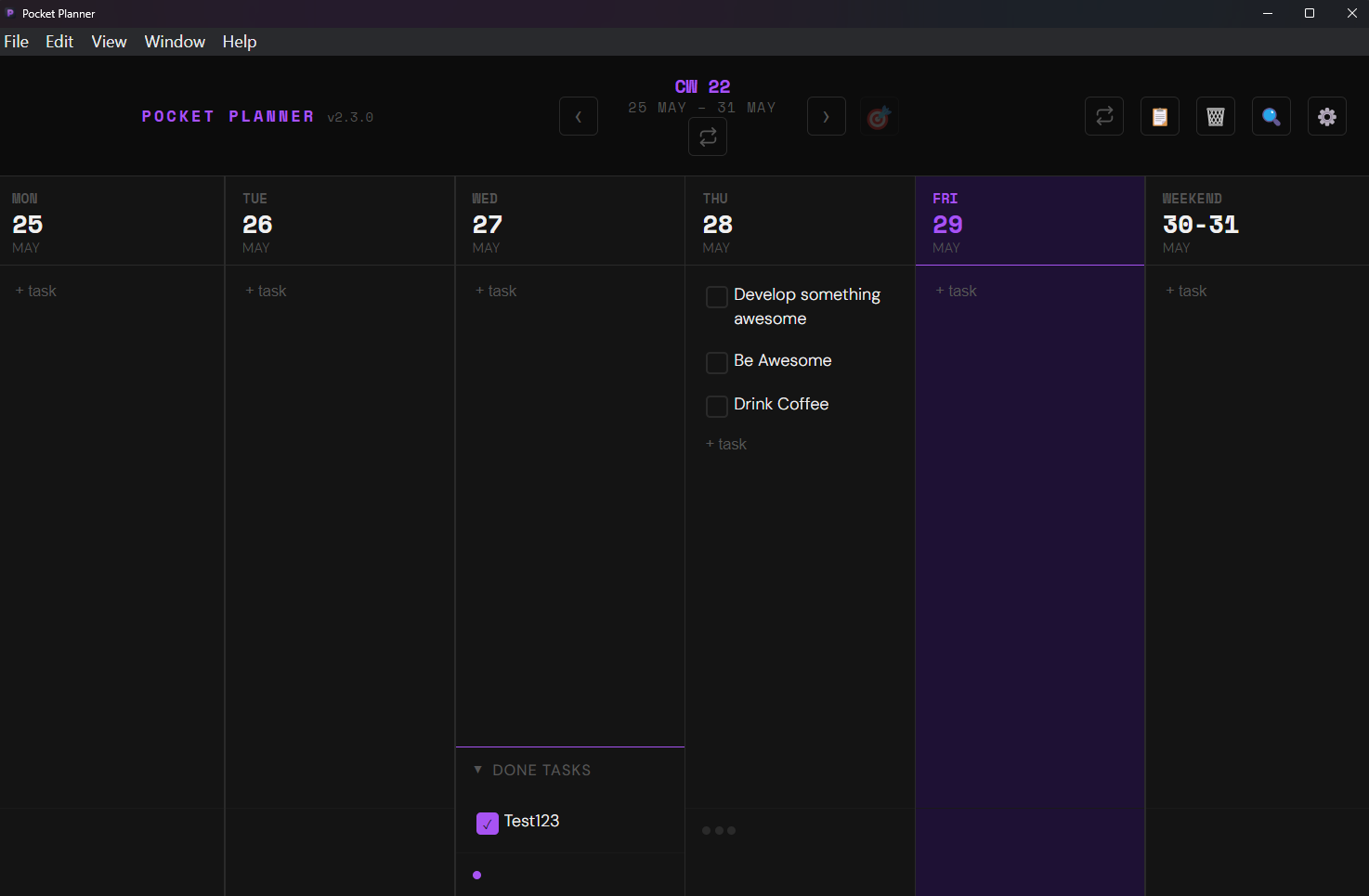
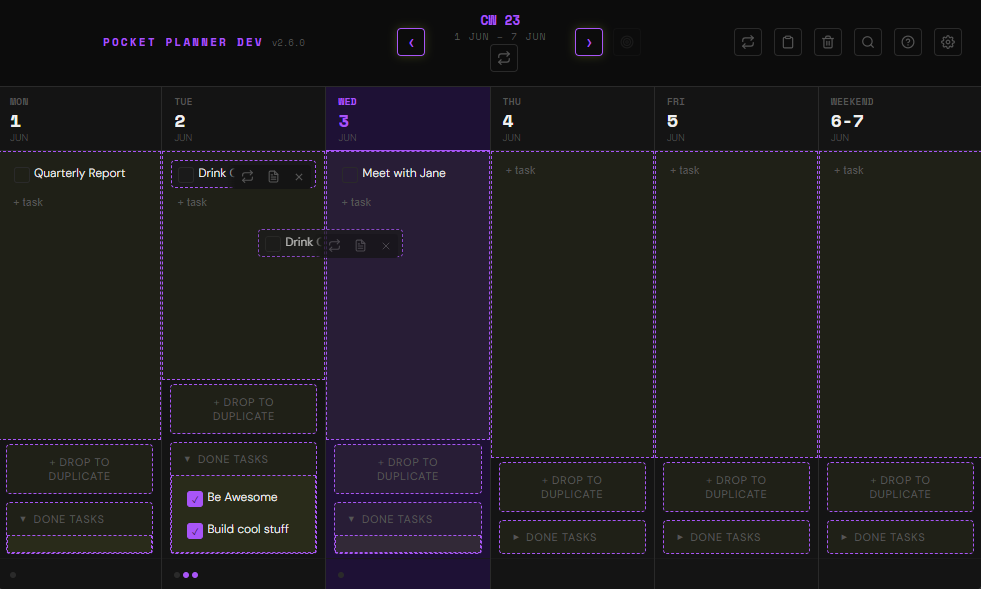
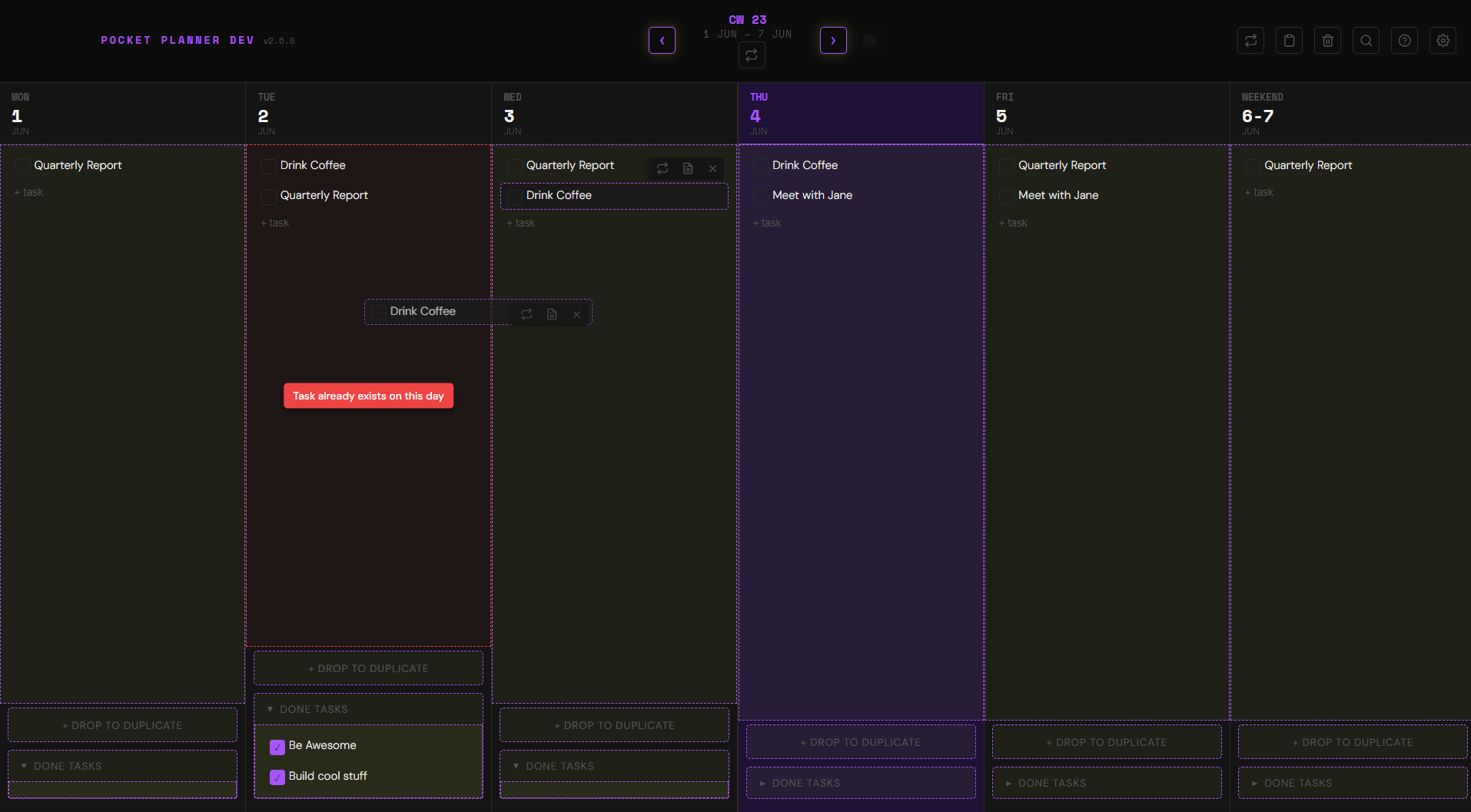
Weekly Planner Grid
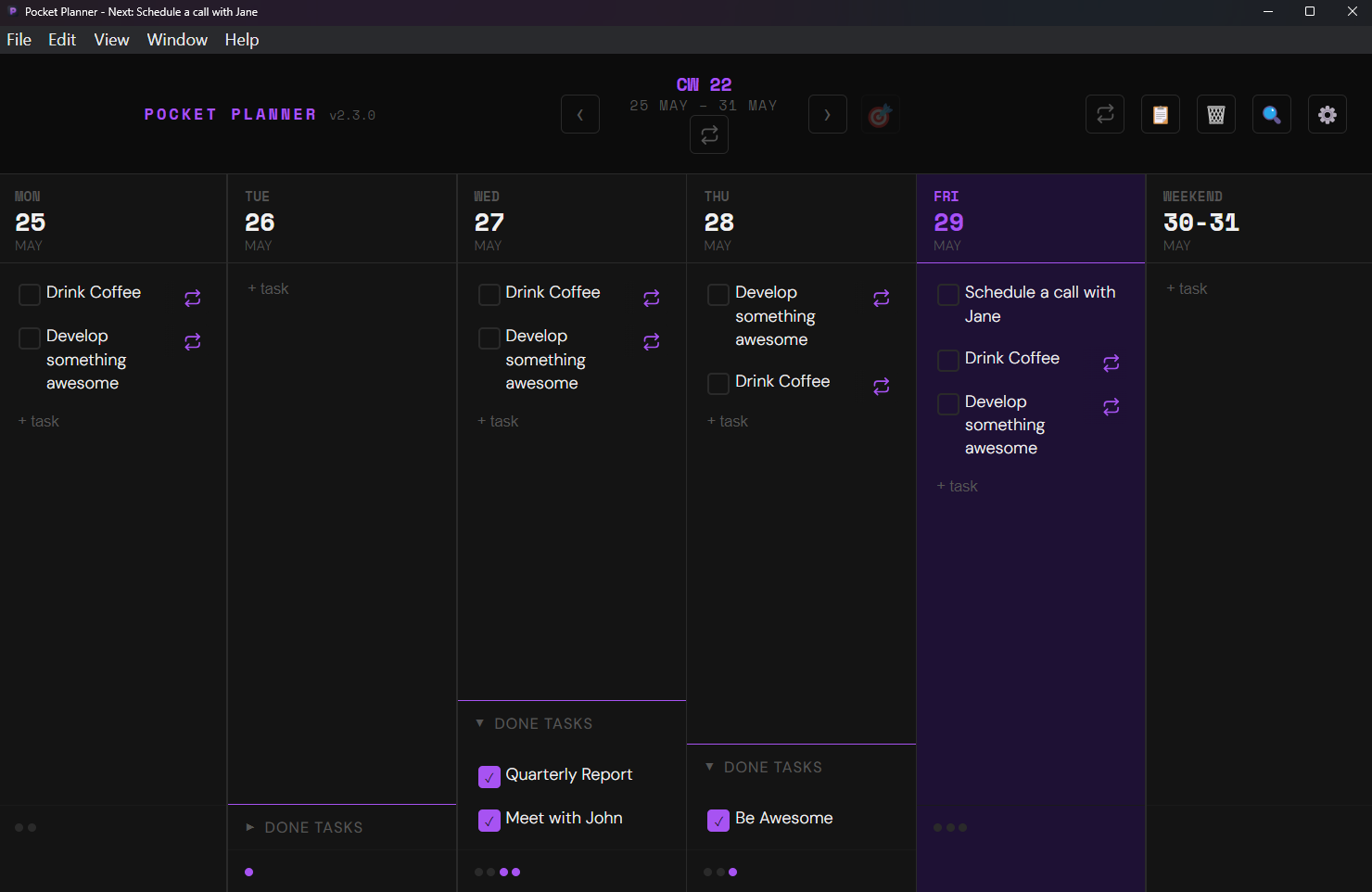
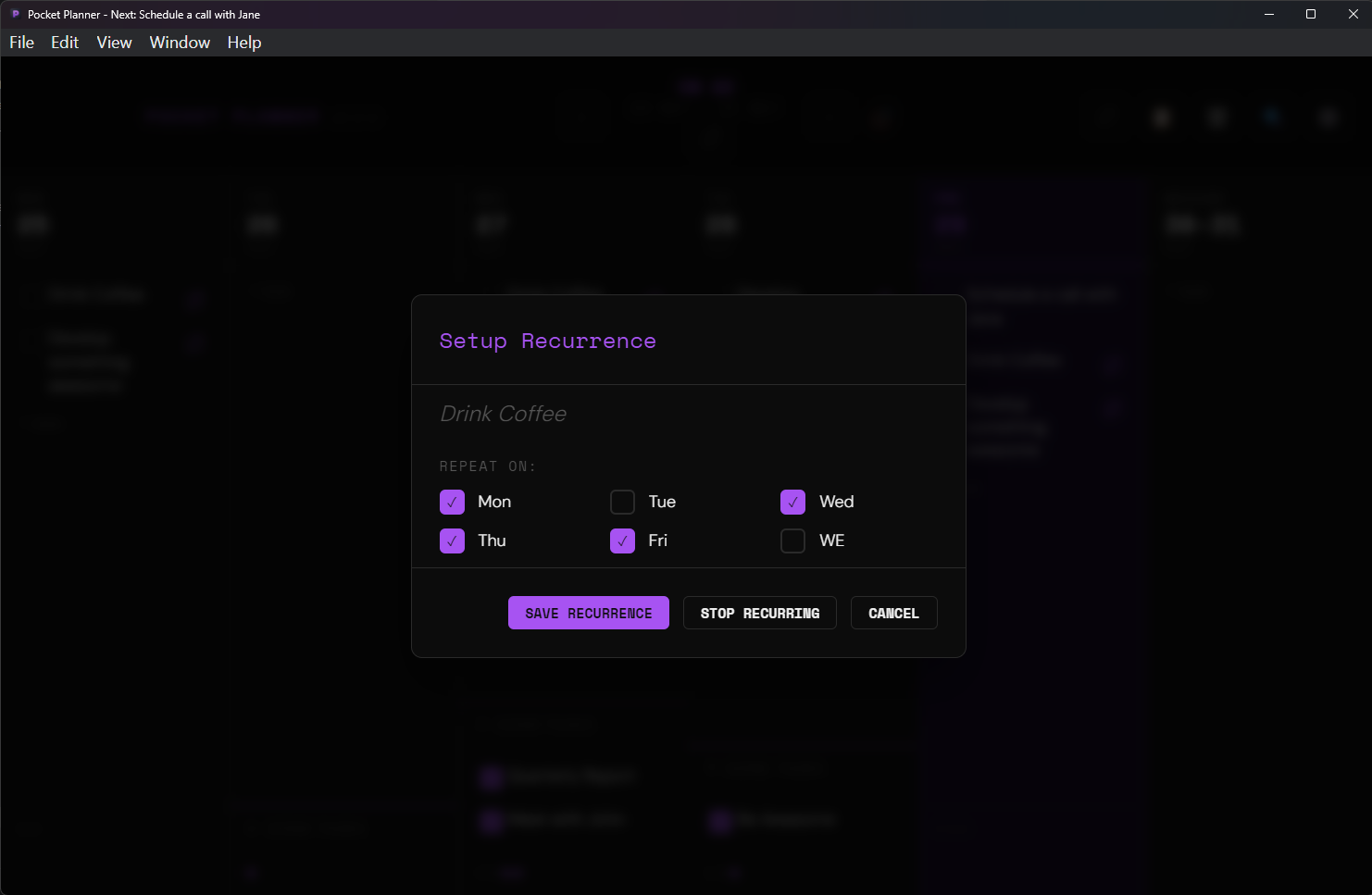
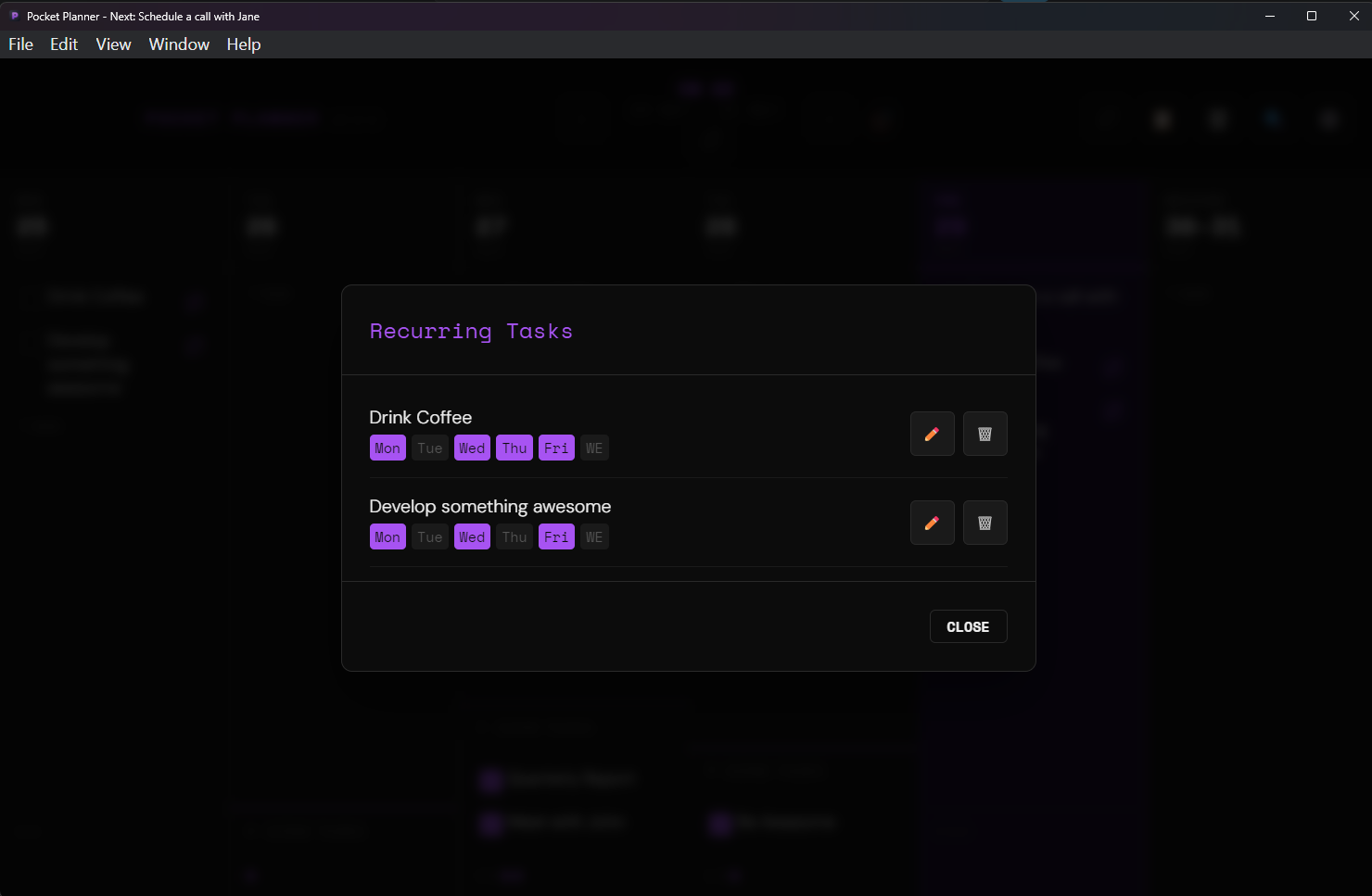
A bird's-eye view of your entire week. Easily visualize, organize, and drag-and-drop tasks to keep your priorities in line.
Minimalist Power
Local-First & Private
Your plans are saved directly to your local file system via secure storage. No cloud databases, no tracking, total control.
Workday-Aware Reminders
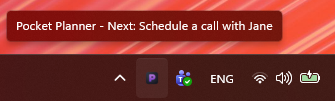
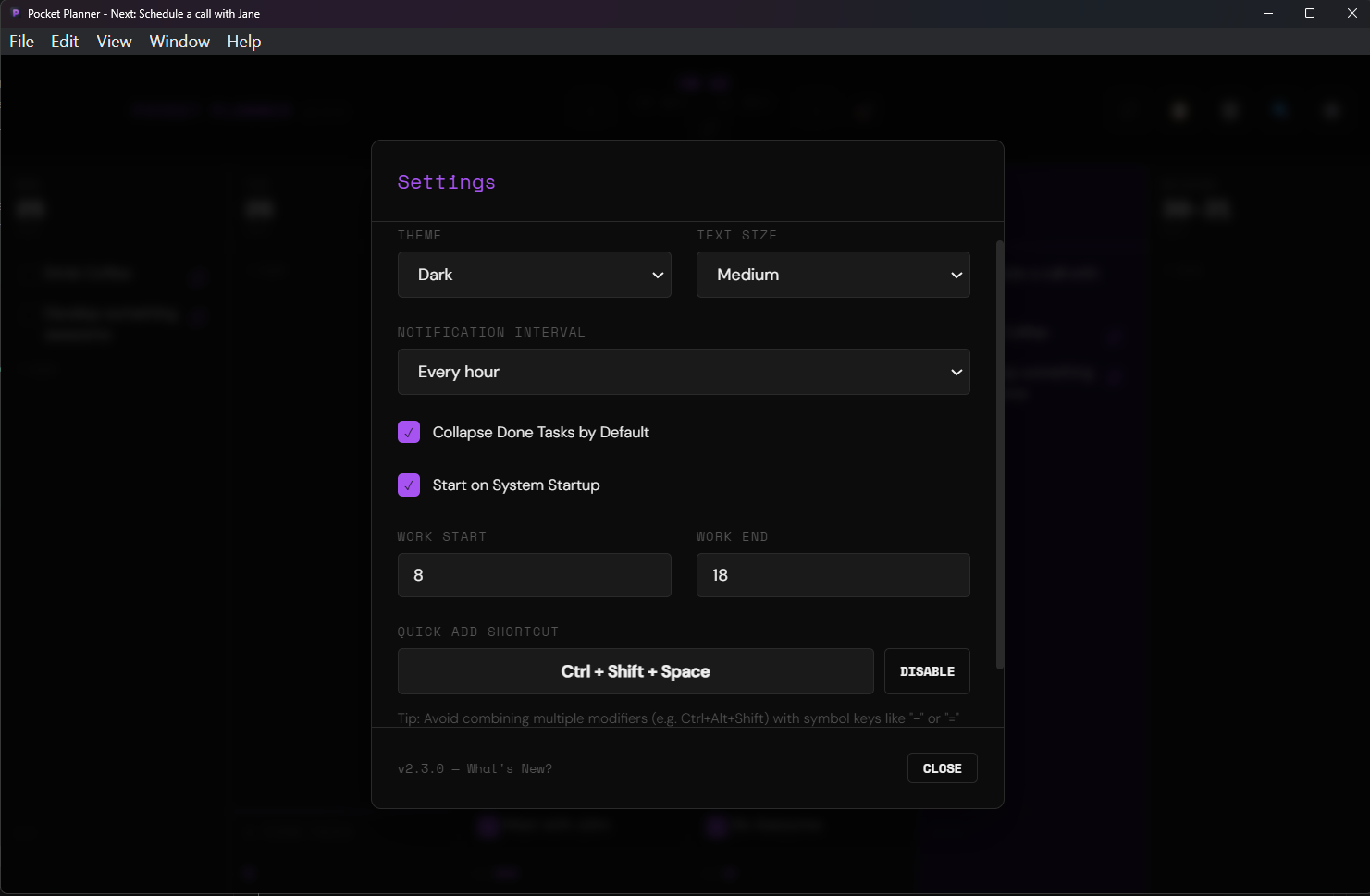
Configure workday notifications to nudges you with your "Up Next" task, updating dynamically based on progress and workday hours.
Deep OS Integration
Monitor completion rate on the Windows taskbar, dock badges on macOS, and quickly toggle focus using system tray utilities.
Weekly Carry-Forward
Start each week fresh. Review and carry forward incomplete tasks from the previous week with a single click to stay on top of your goals.
Power Capture & Search
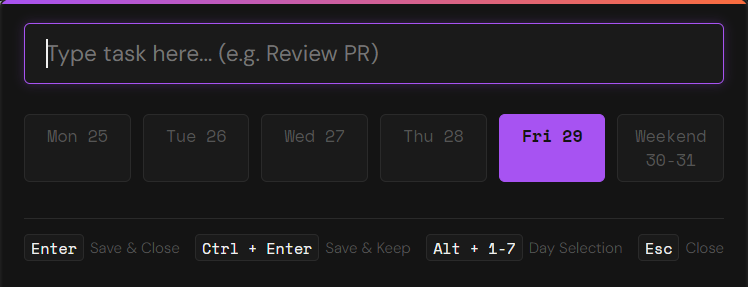
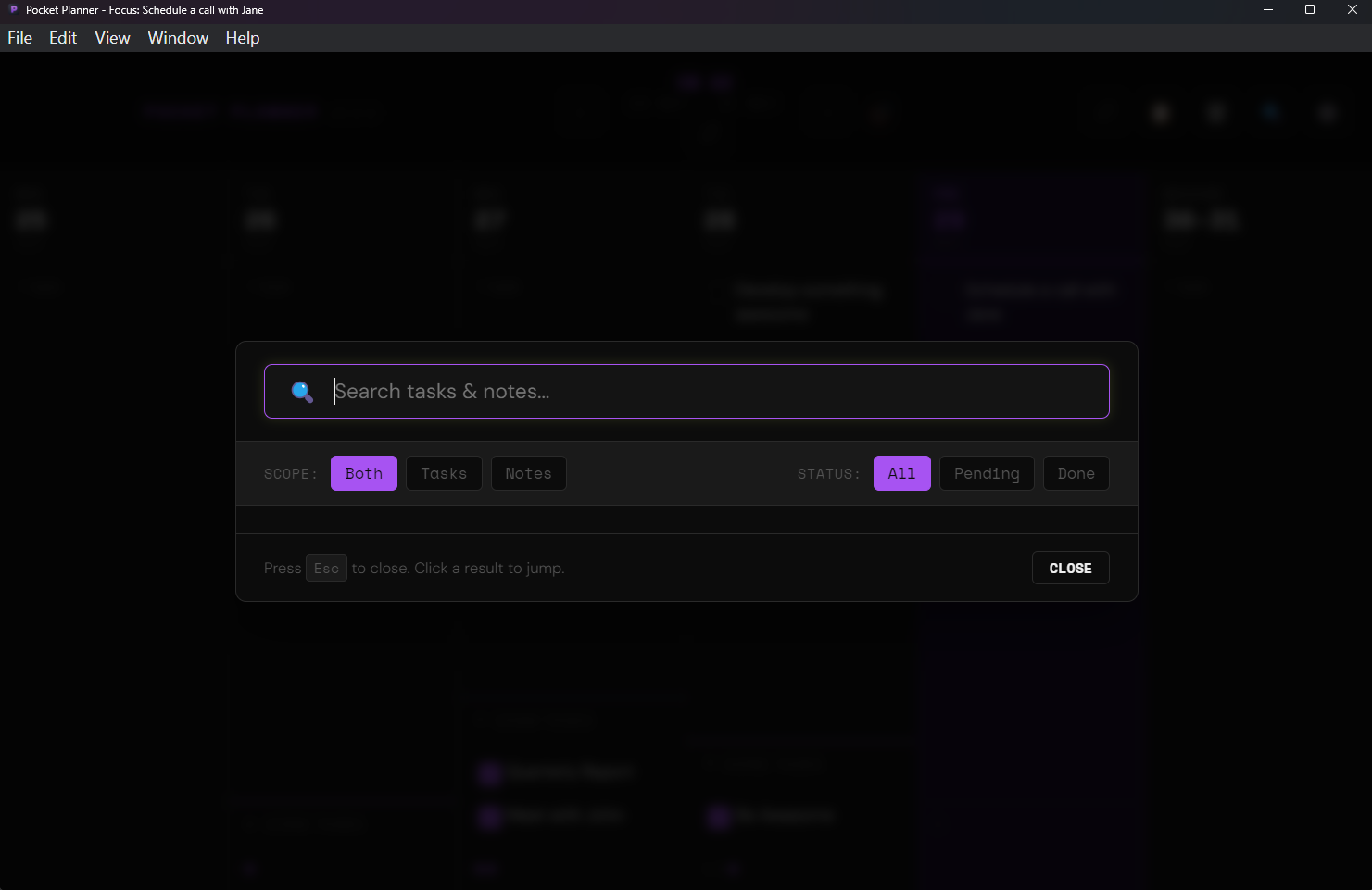
Summon the Quick Add panel instantly with a global shortcut. Search all historical weeks, task details, and notes in milliseconds.
Rich Notes & Recycle Bin
Add checklists and links to tasks on hover. Safely restore accidentally deleted items using the built-in Recycle Bin.
Stay Updated
Sign up to get notified of major feature releases and future mobile/web versions.